Post-Production Automation:
Dailies, VFX Tracking & Continuity
Stop manual dailies work, shot tracking, and report updates. Upload your Avid sequence. We automate scene bins, VFX pulls, change tracking, and continuity reports. All without AI.
Drowning in
Manual Work?
Built by an Assistant Editor for Scripted Film & TV
New to Developing Tank?
Explore what you need most:
Tasks That Take Hours Now Take Minutes
Upload Your Dailies. Done Before Your Coffee.
Auto-detect VFX shots from your AVID files. Generate VFX pulls in seconds. One-click EDL & AVB exports.
Developing Tank is designed specifically for Assistant Editors and VFX Editors who are tired of manual, repetitive tasks that eat up valuable time. Automate Avid workflows, do less overtime, and give your team more time for creative and high-impact work.
Assistant Editors:
- Say 'goodbye' to mornings spent clicking and dragging. Skip late-night paperwork. Enjoy your creativity.
Producers:
- Stop worrying about your editor not having anything to do. Stop worrying about your Assistant Editor's OT during Dailies.
VFX Editors:
- Stop making EDL files just to update part of your lists. Be ready the next time a VFX heavy scene is recut.
Say Yes to:
Easy
Fast
Accurate
Stress Free
Stop manually entering data into spreadsheets. Developing Tank does the heavy lifting - parse your AVB directly to a pristine tracking list, then sync back to Google Sheets if you want.
We provide a single tool for the entire Post Production Department.
Simple Workflow, Powerful Results
Developing Tank follows one workflow: create project, upload files, download results. Whether you're automating dailies, tracking VFX, or generating reports, the process is fast and straightforward.
Phase
Your Action
Set up your project, frame rate, and naming rules.
Invite your team.
Drop your AVB, AAF, EDL, or ALE files.
Developing Tank detects metadata.
Scene bins created. Changes detected. Reports generated.
Minutes, not hours.
Export Avid bins, PDFs, CSVs, Excel files.
Sync with Google Sheets for team visibility.
Upload new versions as cuts change.
Your database never falls behind.
One Database for Every Clip. Always Up To Date.
Automate Dailies Management
Upload your dailies AAF or AVB file and get organized scene bins in minutes. Offspeed clips get retimes pre-configured, multicam groups are ready, and metadata is clean for VFX and continuity workflows.
2 - 3 hour job, done in 10 minutes.
VFX Shot Tracking That Stays Current
Your VFX database syncs automatically with every sequence change.
Deleted markers? We remember the shots.
New VFX? Detected instantly.
Google Sheets integration means everyone can see current data without spreadsheet maintenance.
Continuity & Reporting Automation
Compare two cuts, get continuity reports. No more hand-updated spreadsheets. Continuity reports, cue sheets, rundowns, marker logs - all from the same source data. Export to PDF, CSV, or Excel in seconds.
One upload. Complete paperwork for editorial, production, and vendors.
Interested in our workflow?
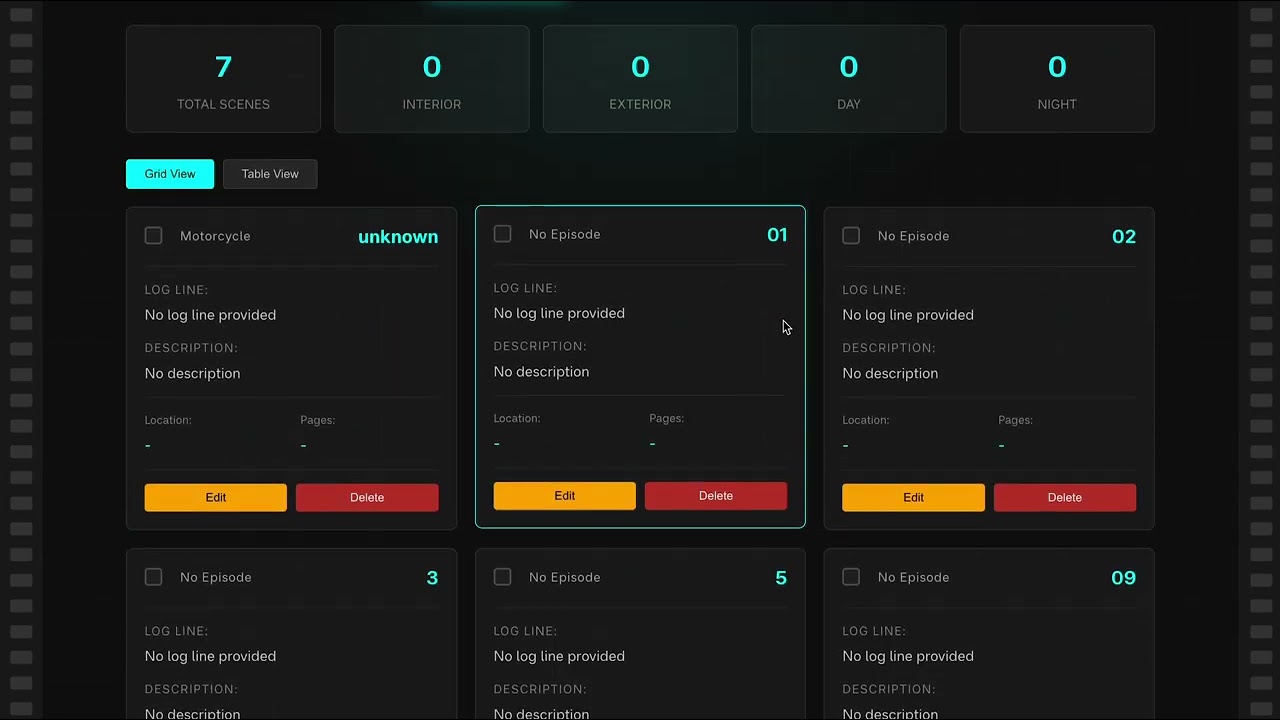
Learn MoreSee Developing Tank in Action
3-minute walkthrough of real post-production workflows
Built by a Working Professional
Developing Tank wasn't designed in a boardroom. It was built by an Assistant Editor who lived the problem - and knows the solution.
Access Free Tools. Premium Automation Available for Invited Users.
You can use our free tools right now without signing up. Premium features are coming soon.
Access Tools for Free